Canadian Customers: Take a look at our simplified Returns Process

Attention: This shop will be shutting down.

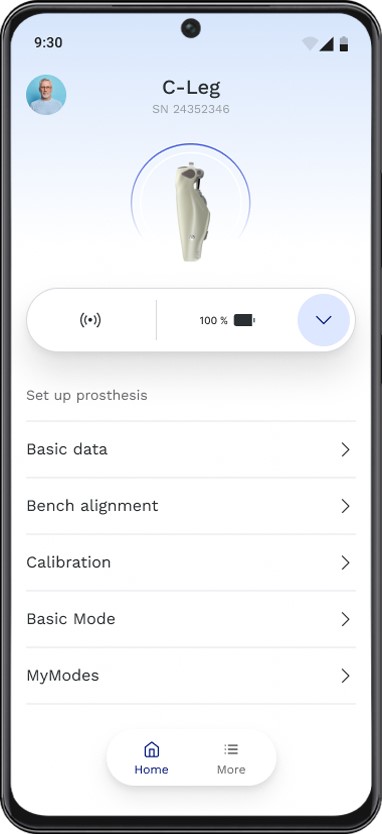
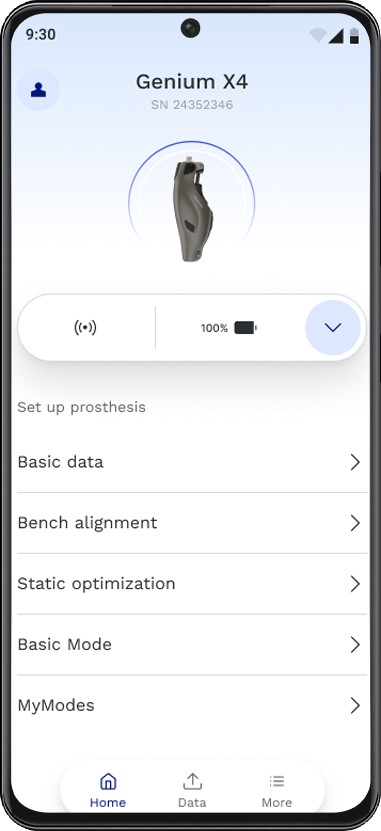
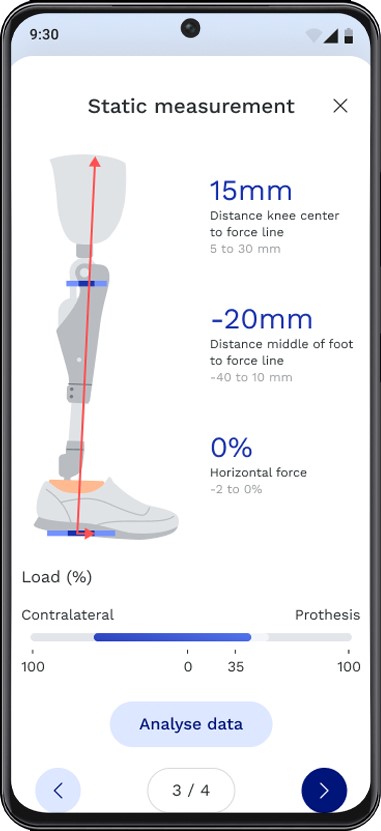
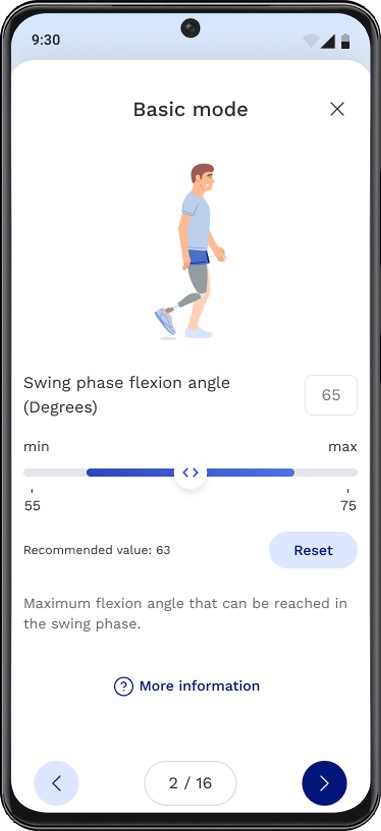
The new app connectgo.pro for Android and iOS smartphones and tablets makes it easy for O&P professionals to quickly and conveniently program Ottobock microprocessor knees for their users.
The app works with C-Leg 4, Kenevo, Genium, Genium X3, and Genium X4 microprocessor knees. Other Ottobock products and additional features will be added through regular app updates expected every few months.
How do I get started?
Open the app connectgo.pro and log in with your Ottobock ID (Ottobock ID has replaced MyOttobock. If you already had a MyOttobock account, you can use the same credentials to log into Ottobock ID). If you do not have an Ottobock ID account, please register one via the “Register here” link on the log-in screen.
IMPORTANT: If you already have a MyLearning account, please use the same email address to set up the Ottobock ID account, so that the accounts are automatically connected. These two sites will provide a digital connection between taking an online certification course and receiving software access to program an Ottobock mechatronic product. Certified Orthotists and Prosthetists will be required to have a common email address that connects the two sites. You can change the email address in MyLearning but not in Ottobock ID once it is set up.
For more FAQs and Quick Guides, please review our FAQs in the documents section.
Benefits
- Easy and direct connection to the prosthesis for complete set-up, no Bluetooth dongle required
- Modern and intuitive user interface
- Quick access to training videos
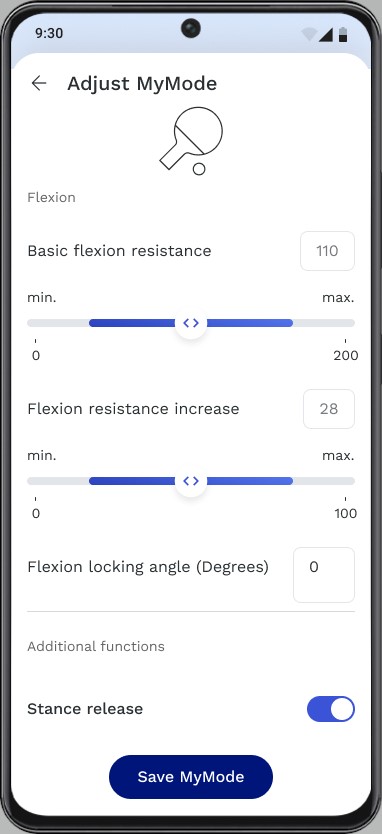
- Select and customize MyMode settings to user needs for sports and other activities
- Automatic storage of prosthesis settings
- Export stored settings when needed
- Existing product certifications remain valid and can be transferred for app access
- Designed for use on either a smartphone or tablet
- iOS and Android compatible
- Frequent and convenient updates directly via the App Store and Google Play
Availability
- Currently available for C-Leg 4, Kenevo, Genium, Genium X3, and Genium X4 microprocessor knees. Additional products will be released through regular updates.
- Data Station PC software will remain available for existing products (excluding Genium X4)

Ottobock ID
- Ottobock ID is the key to a growing number of new apps, digital features and related services from Ottobock.
- Your Ottobock ID stores your product certifications via a digital handshake with MyLearning, making the app convenient to use on different mobile devices.
- URL: Ottobock ID
Where to download the connectgo.pro set-up app
- Apple Store: https://apps.apple.com/us/app/connectgo-pro-by-ottobock/id6477437187
- Google Play (android devices): https://play.google.com/store/apps/details?id=com.ottobock.pro.connectgo&hl=en_US
Document Downloads
- connectgo.pro Quick Start Guide (C-Leg 4, Kenevo, Genium, Genium X3, and Genium X4)
- connectgo.pro FAQ
- MyOttobock + MyLearning - What They Are & Why They're Important
- connectgo.pro Product Brief
- connectgo.pro Instructions for Use (English)
- connectgo.pro Instructions for Use (Spanish)
- connectgo.pro Instructions for Use (French)
Support
- Please contact us at MyOttobockSupport@ottobock.com